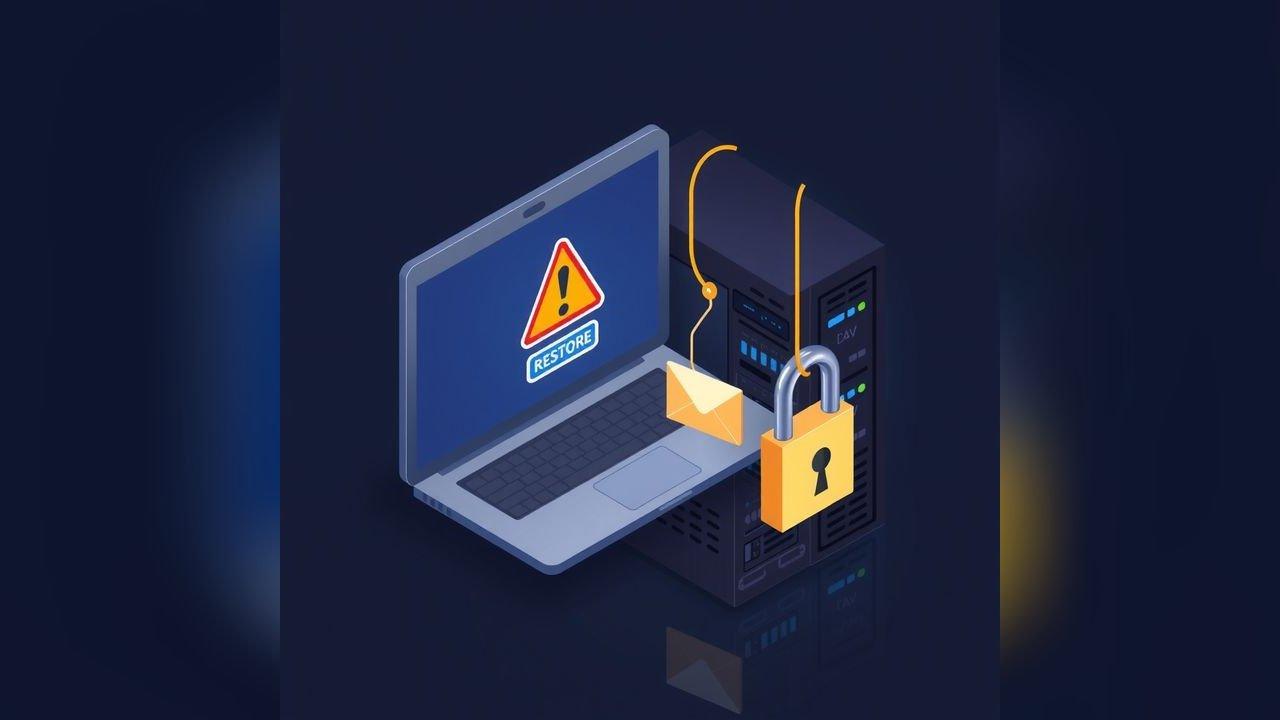
Microsoft Threat Intelligence observed a coordinated, high-volume phishing campaign on November 13, 2026, targeting organizations in multiple sectors worldwide. The messages impersonated Microsoft 365 service-health notifications and warned recipients that email had been held during an outage. Recipients were told the messages would be deleted within 24 hours unless they acted.
The campaign combined urgency, plausible administrative language and individualized tracking links. Microsoft assesses that it was likely credential phishing, but its evidence did not confirm that credentials were captured, malware was delivered or attackers conducted post-compromise activity. That distinction matters: organizations should respond seriously without treating the suspected outcome as an established fact.
How the lure manufactured urgency
The emails used randomized subjects following an outage pattern, such as “Outage – aF7vG6.” Display names combined a three-character, organization-style prefix with either “Outage Notification” or “Service Health.” Examples included “MSF Outage Notification” and “AMZ Service Health.”
One message referred to a supposed Exchange Online incident on November 12 and claimed that four messages had been held after the disruption. A prominent “RESTORE MESSAGES” action and the 24-hour deletion warning encouraged immediate interaction. This approach follows a familiar attacker practice of adapting social-engineering lures to notable global events, then presenting the requested action as routine service recovery.
The technical presentation also reduced the usefulness of simple pattern matching. Microsoft identified:
- Different sender domains, including moments-notice[.]com, planetmaison[.]com and newbooker[.]com.
- Randomized outage subjects rather than one consistent campaign headline.
- Recipient-specific URLs generated through email-delivery and link-tracking infrastructure.
- A common destination outside Microsoft, with multiple samples leading to reallifeaccounting[.]com or reallifeaccounting[.]com/themelist0.html.
Why the destination deserves scrutiny
The observed samples were link-based. Microsoft did not see QR codes or non-EML attachments, and it found no evidence of executable, archive, document or other malware payload delivery. A business should therefore not assume that every interaction resulted in a downloaded file or an immediately compromised device.
The central warning sign was the relationship between the story and the destination. A message presenting itself as a Microsoft 365 service notification led users toward an unrelated accounting domain. Microsoft says that mismatch, together with the service impersonation, supports its likely credential-phishing assessment.
However, researchers did not obtain the final page source, credential fields, credential-submission telemetry or evidence of activity after a compromise. Microsoft has consequently not attributed the campaign to a named threat actor or malware family. Security teams investigating exposure should preserve that uncertainty while examining what happened before and after each click.
What organizations should investigate now
Business owners should treat the lure as an identity and email-risk issue, not merely an unwanted-message problem. If credentials were entered, Microsoft says organizations should consider the possibility of account compromise, mailbox access, business email compromise, internal phishing, inbox-rule manipulation and access to cloud collaboration data.
Security teams can use Microsoft Defender for Office 365 and Microsoft Defender XDR to investigate messages, URLs, clicks and possible follow-on activity. The investigation should connect the original email to recipient-specific links and user interactions rather than relying only on a subject-line search. Randomized subjects and multiple sender domains mean that one narrow indicator may miss related messages.
Microsoft Defender blocks malicious domains used in the campaign, while Microsoft Defender for Office 365 blocks and quarantines its phishing emails. Those protections do not remove the value of reviewing existing messages and click activity, particularly where users may have interacted before security teams understood the campaign.
Lessons for developers and business leaders
For web developers and administrators, the campaign demonstrates why visual familiarity is not proof of legitimacy. A service-health theme, an administrative display name and a restoration button can create a convincing workflow without any attachment. Review processes should therefore account for the sender domain, link destination and individualized URL behavior as well as the message’s appearance.
For business leaders, the immediate lesson is to make urgent service-recovery requests verifiable before employees act. Teams should understand how to report suspicious outage notices, while responders should ask whether anyone entered credentials and then assess the risks Microsoft identified. An employee’s click is a starting point for investigation, not automatic proof of full compromise.
Microsoft says it will continue monitoring this campaign and related threats. Organizations should expect other actors to reuse notable events in new social-engineering pretexts. The durable defense is an investigative process that can recognize changing subjects and domains, examine destination links and quickly establish whether a suspicious interaction progressed beyond the initial email.
Sources
This article was written with AI assistance from the sources cited above and checked by automated quality rules.
Build With Teridox
Need a fast, secure website or digital product? Teridox, founded by Arya Intaran, designs and builds websites and web apps for businesses. Get in touch to discuss your project.